What happens to your website after it goes live
Launch is only the beginning. What needs to happen every day, every week and every month to keep your site secure, fast and online, and how to see it without asking anyone.
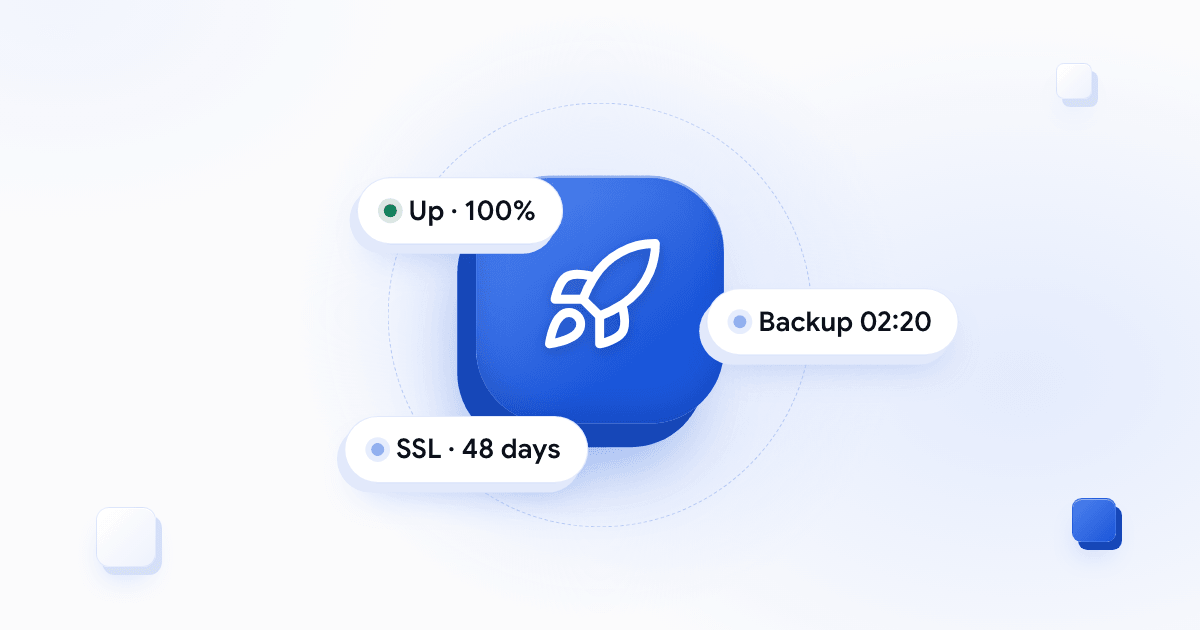
Most of the conversation about a new website is about the design, the pages and the content. That’s natural: it’s what you can see. But a website isn’t a file you finish and hand over. It’s a system that runs all the time, on a server, with plugins, certificates, forms and email. And from the day it goes live, someone has to look after it.
Here’s what needs to happen after launch, and what to ask whoever is building your site.
Every few minutes: is the site up?
A site can go down at two in the morning and come back by morning, and nobody would know. Meanwhile customers tried to visit, Google tried to crawl it, and the contact form didn’t work.
So the first thing is a regular automatic check: a system that visits the site every few minutes and checks that it responds. If it doesn’t, someone gets an alert and deals with it, before customers notice.
Every night: a backup
A backup is insurance. Most of the time you don’t need it, and when you do, you need yesterday’s. A good backup:
- Runs every night, on its own, without anyone having to remember.
- Includes both the files and the database.
- Is stored off the site’s own server.
- Is tested: a backup that has never been restored is a promise, not a backup.
Every week: updates, but after testing
WordPress, plugins and code libraries are updated all the time, and many of those updates close security holes. So not updating is risky.
But updating automatically is risky too: an update to a single plugin can break a whole page. The right way is in the middle: test the update, and only then apply it. And if something still goes wrong, there’s yesterday’s backup.
All the time: speed
A slow site loses visitors. Most browsing today happens on phones, and not everyone has a fast connection. What keeps a site fast over time:
- A server close to your visitors. For a site aimed at an Israeli audience, a server in Israel saves time on every request.
- Page cache, so the server doesn’t rebuild the same page for every visitor.
- Compressed images in modern formats.
- Monitoring: speed isn’t something you fix once. A new plugin or a heavy image can slow everything down.
An SSL certificate that renews itself
The padlock in the address bar is an SSL certificate, and it has an expiry date. When it expires, the browser shows visitors a scary warning instead of your site. Automatic renewal solves this, and a regular check makes sure the renewal actually happened.
And how do you know all this is happening?
This is where most businesses get stuck. Even when someone is looking after the site, the business owner doesn’t see it. They only hear “everything’s fine” when they ask.
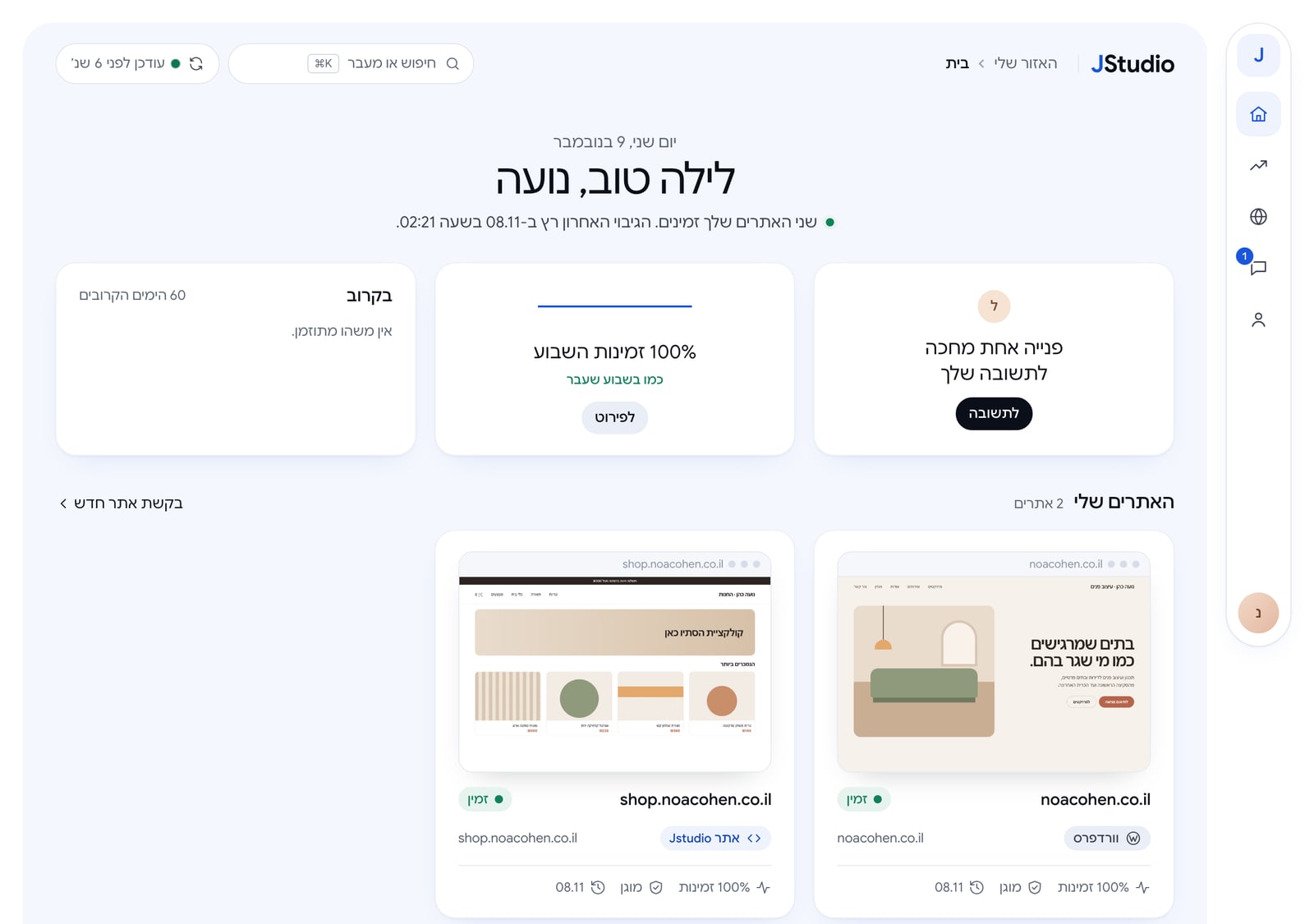
With us, every client gets a simple panel where they can see it for themselves: whether the site is up, when the last backup ran, how many days are left on the SSL certificate, what has happened on the site over time, and which requests are open. And when you need a change, you open a request right from that site’s screen, and get an answer from the people who built it.
What to ask before choosing who builds your site
- Who looks after the site once it’s live, and what exactly is included?
- How often is it backed up, and where is the backup stored?
- Who updates WordPress and the plugins, and how are updates tested first?
- How will I know if the site goes down?
- Where can I see all this without asking?
If the answers aren’t clear, it’s worth finding out now and not on the day the site goes down.
Want to see what this looks like with us? Here’s the platform that comes with every site we build.